Adobe Photoshop Download - Unleash Your Creativity
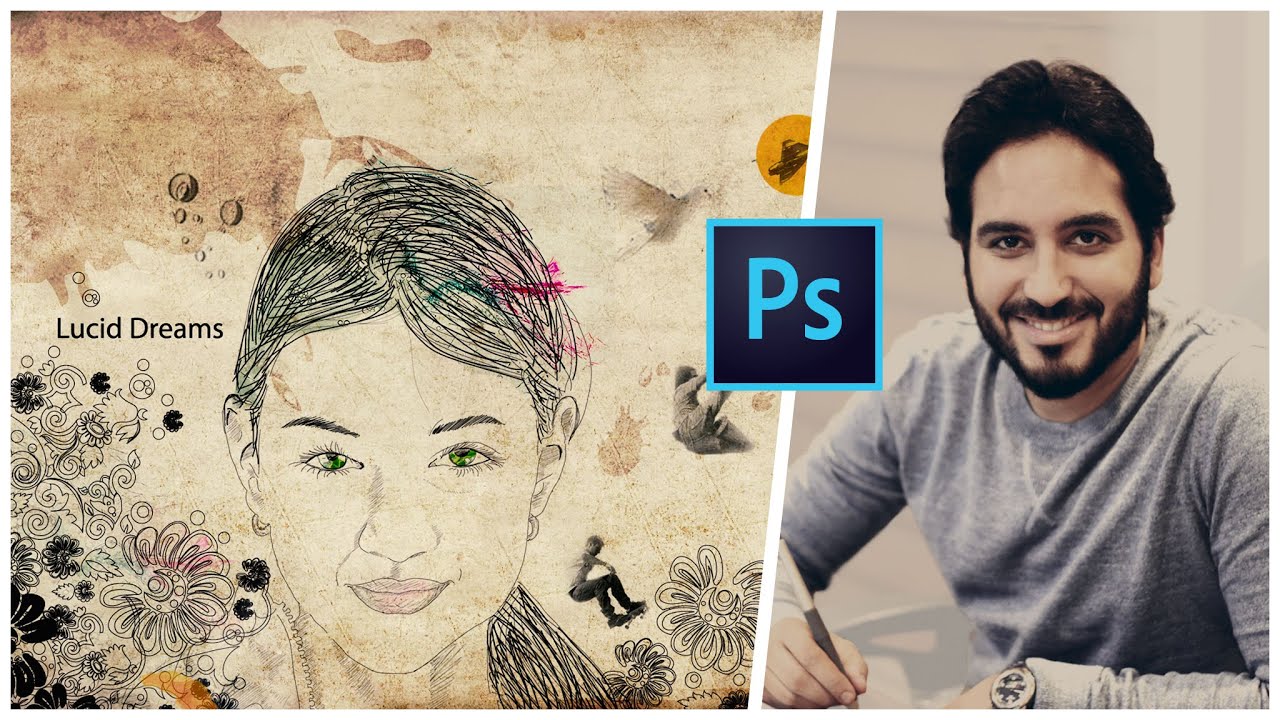
Welcome to our blog post on Adobe Photoshop download! In this article, we will explore how you can unleash your creativity using this powerful software. Whether you are a professional graphic designer or a hobbyist looking to enhance your photos, Adobe Photoshop provides a range of tools and features to bring your imagination to life.
Why Choose Adobe Photoshop?
Adobe Photoshop is the industry-leading software for image editing and manipulation. With its extensive range of tools and capabilities, Photoshop has become the go-to choice for photographers, designers, and digital artists worldwide. Whether you want to retouch photos, create stunning visuals, or design captivating artwork, Adobe Photoshop has got you covered.
Downloading Adobe Photoshop
To get started with Adobe Photoshop, you need to download the software from the official Adobe website. Follow these simple steps to begin your creative journey:
- Visit the Adobe website and navigate to the Photoshop product page.
- Click on the "Download" button to initiate the download process.
- Choose the appropriate version of Photoshop based on your operating system.
- Once the download is complete, locate the installer file and run it.
- Follow the on-screen instructions to install Adobe Photoshop on your computer.
- Once the installation is finished, launch the software and get ready to unleash your creativity!
Exploring Adobe Photoshop
Now that you have successfully downloaded and installed Adobe Photoshop, let's dive into the exciting world of possibilities it offers. Here are some key features and tools to get you started:
1. Layers
Layers are one of the fundamental aspects of Adobe Photoshop. They allow you to work on different elements of your design individually, making it easier to edit and manipulate specific parts without affecting the rest. With layers, you can stack images, adjust opacity, apply effects, and much more.
2. Selection Tools
Adobe Photoshop offers a variety of selection tools to help you isolate specific areas of an image. From the basic Rectangular Marquee tool to the advanced Quick Selection tool, you can effortlessly select objects, people, or backgrounds with precision and accuracy.
3. Retouching and Healing
With Photoshop's retouching and healing tools, you can remove imperfections, blemishes, and unwanted objects from your photos. The Spot Healing Brush, Clone Stamp, and Content-Aware Fill are just a few of the powerful tools that enable you to achieve flawless results.
4. Filters and Effects
Transform your images with a wide range of filters and effects available in Adobe Photoshop. Whether you want to apply artistic effects, simulate different lighting conditions, or add texture and depth, Photoshop's filter gallery has endless options to explore.
5. Text and Typography
Enhance your designs with captivating text and typography using Photoshop's text tools. Experiment with different fonts, sizes, colors, and effects to create attention-grabbing headlines, posters, or social media graphics.
6. Drawing and Painting
If you have a flair for drawing and painting, Adobe Photoshop provides a canvas for your creative expressions. With a wide variety of brushes and painting tools, you can digitally create stunning artwork, illustrations, and digital paintings.
Unlocking Your Creativity
Adobe Photoshop is not just a software; it is a gateway to unlimited creativity. Here are some tips to help you unleash your artistic potential:
1. Experiment Fearlessly
Don't be afraid to try new techniques and explore different features of Adobe Photoshop. The more you experiment, the more you will discover unique ways to express your creativity.
2. Learn from Tutorials and Resources
There is a vast amount of tutorials, blogs, and online resources available that can help you master Adobe Photoshop. Learn from experts in the field, follow step-by-step tutorials, and stay updated with the latest trends and techniques.
3. Join Creative Communities
Connect with fellow Photoshop enthusiasts by joining online communities and forums. Share your work, seek feedback, and participate in challenges to push your creative boundaries.
4. Take Inspiration from Others
Explore the work of other artists, photographers, and designers to gain inspiration. Analyze their techniques, color choices, and compositions to enhance your own creative process.
5. Practice Regularly
Like any skill, mastering Adobe Photoshop requires practice. Set aside dedicated time to work on your projects, experiment with different tools, and challenge yourself to consistently improve.
Conclusion
Adobe Photoshop is a powerful tool that empowers you to unleash your creativity and bring your imagination to life. By downloading Adobe Photoshop and exploring its vast range of features, you open up a world of endless possibilities. So, take the first step, download Adobe Photoshop, and embark on your creative journey today!
Remember, the sky's the limit when it comes to Adobe Photoshop!


Comments
Post a Comment